
Music and white noise
Choose calming lullabies or ambient white noise, preview the selection, or let the app play through the available library.
 kalmbaby
KalmBaby combines relaxing music, white noise, customizable vibration patterns and Monitor AI mode to help parents start a soothing session quickly and simply.


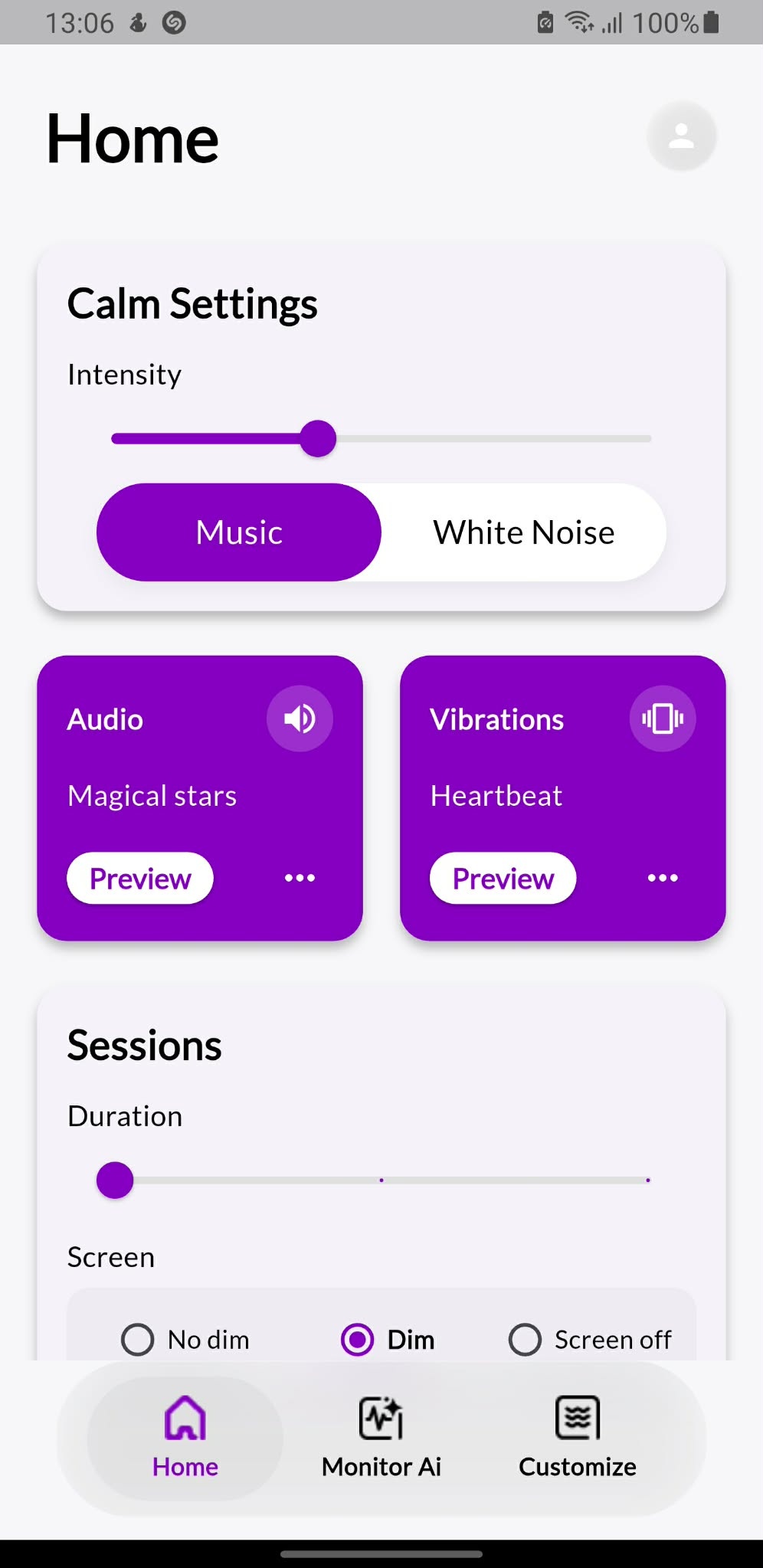
The app keeps the important settings visible, so a parent can choose the sound, vibration intensity, session duration and screen behavior without a complicated setup.
Choose calming lullabies or ambient white noise, preview the selection, or let the app play through the available library.
Use preset vibration patterns or create custom rhythms. Adjust intensity so the session matches the moment.
Monitor Mode can listen for crying and detect movement, then start soothing automatically when a trigger is detected.
Select how long a soothing session should run and choose whether the screen stays normal, dims or turns off inside the app.
The home screen focuses on the settings parents use most often: intensity, audio, vibration, session length and screen mode.
Start with music, white noise, vibration only, sound only, or a combination of both.
Set intensity and duration before pressing Start. The session can be stopped anytime with Done.
Enable crying detection, movement detection, or both, then let the app keep listening while it stays open.
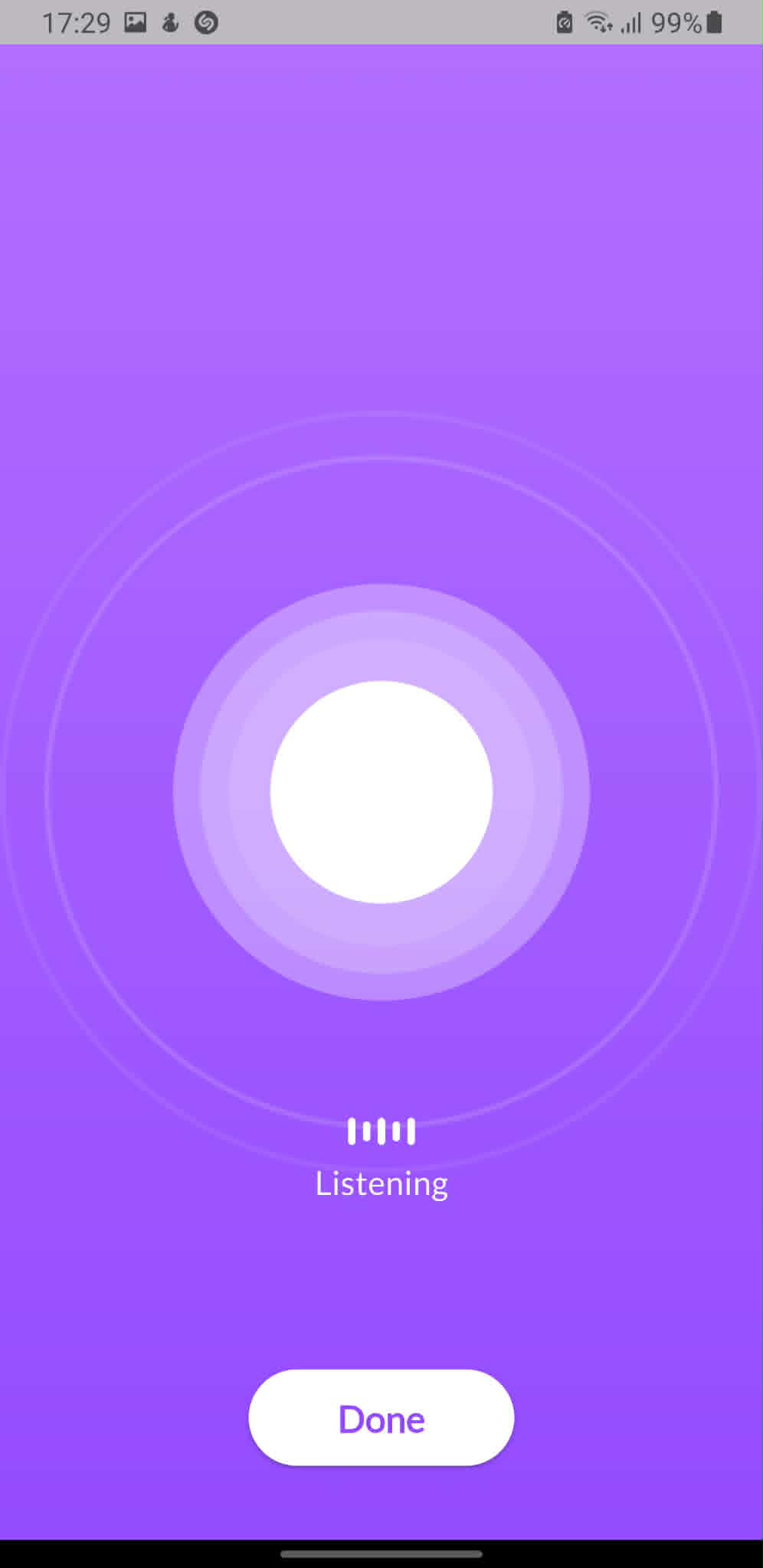
When Monitor AI is enabled, KalmBaby can listen for crying and monitor movement. If the selected trigger is detected, the app starts the soothing session automatically.
The How to use page explains every main control, the safety conditions required for the app to work correctly, Monitor AI, custom vibrations, free limits and subscription benefits.